Robot control system
A web interface that lets people program an industrial robot without a manual.
- Client
- Motorcortex since 2010
- Our part
- Interface design, 3D view and program compiler
- Stack
- Vue.js, TypeScript, Three.js
The challenge
Robot programming is a task for specialists with a manual.
Our solution
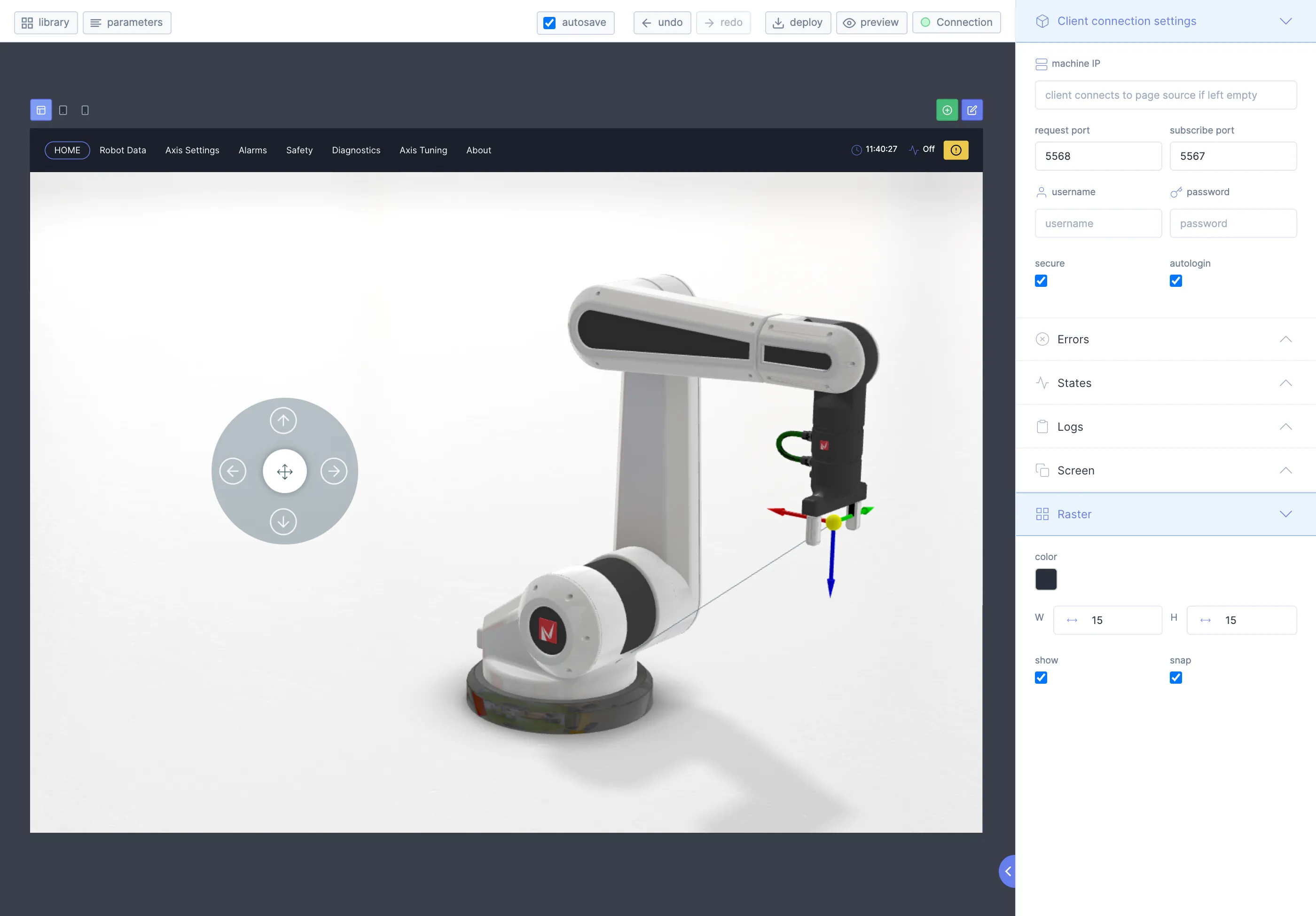
We made it drag and drop, next to a 3D view of the robot. On deploy, we compile the program to JavaScript that the controller runs.
Forget about manuals
Robot programming is a complex task. We made it simple with a program panel and a geometry panel next to a 3D view of the robot.
Program
Drag, drop, deploy, done. Pinia and Pinia ORM give each program element its own model and keep the structure of the app clear.
Geometry
Create points and enter coordinates in Cartesian or joint space. Three.js shows the points in 3D.
Subprograms
Subprograms make a program modular and easier to read. They take arguments and return values, like a function.
Manage
Programs and their assets live on a cloud file system, so a team can share and manage them.
Deploy
On deploy, the program compiles to JavaScript. A JavaScript interpreter on the hardware controller runs it and controls the robot.
function main() {
  this.p1 = [0, 0, 0, 0, 0, 0, 0]
  this.p2 = [0.2, 0, 0, 0, 0, 0, 0]

  moveTo(this.p1)
  moveTo(this.p2)
}
Stack
- Vue.js
- TypeScript
- Three.js
- Protobuf
- Nanomsg
- Vuex
- Vue Router
- Vite
- Vitest
- PostCSS
- Laravel Forge